

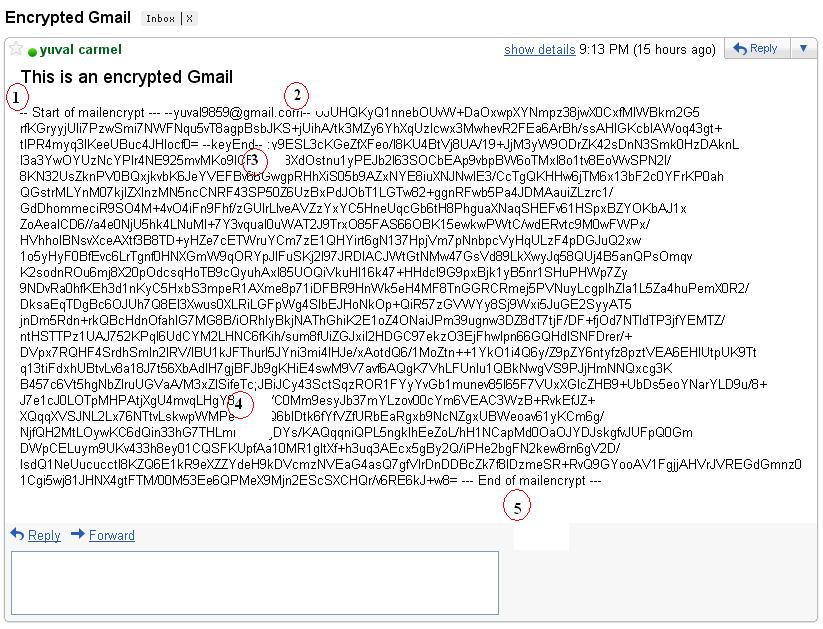
When you need to send a private email to someone, you don’t want it to sit around and be easily readable by anyone. SafeGmail is a Chrome extension that adds PGP-like encryption to your emails and requires a simple answer to a question to unlock.
Once SafeGmail is installed, you simply need to click the “Encrypt” button in Gmail to enable it. Then, you write a question to your recipient only they’ll know the answer to, write the answer, and send off your message.
After waiting for a little while, your message is encrypted and a link is sent to your recipient. While SafeGmail does do server-side encryption, the service claims it never actually has access to your messages.
If you’d like to peek into how the extension works and check to make sure it doesn’t access anything you don’t want it to, you can find the open-source code over on GitHub. Otherwise, it’s incredibly easy-to-use encryption that both you and the recipient don’t have to worry over.
You can install it on your Chrome browser today: SafeGmail
Cross-Posted: http://lifehacker.com